Disclosure: This post contains affiliate links. I may earn a small commission at no extra cost to you if you purchase through these links.
I almost didn’t look at this one. Roomba’s been around so long I kind of assumed the brand was coasting on name recognition while newer Chinese brands ate their lunch on specs. Then I saw the iRobot Roomba 415X listed at $399 Prime (down from $799.99 retail), 11,000+ reviews at 4.4 stars, and figured I was wrong to dismiss it.
Spent the last several weeks running it through a house with two cats, hardwood in the main living areas, tile in the kitchen, and medium pile carpet in the bedrooms. Here’s the full picture.
What Makes the Roomba 415X Different from Older Roombas
If your mental image of a Roomba is that circular disc randomly bumping around until it finds its dock, you’re about five product generations behind. The 415X is a genuinely different product.
Three things set it apart from older Roomba models: SmartScrub, the AutoWash Dock, and ClearView LiDAR mapping. Together they push the 415X out of “automated sweeper” territory and into actual vacuum-and-mop territory — it’s not just laying down a damp pad as it passes, it’s actively scrubbing dried messes with extra pressure.
SmartScrub: What It Actually Means
SmartScrub detects stubborn spots — dried food, muddy paw prints, sticky kitchen splatter — and applies extra downward pressure when the spinning mop pads pass over them. The DualClean pads spin in opposite directions, which generates real scrubbing friction instead of just dragging a wet pad across the floor.
I tested this specifically. Let a small coffee spill dry on my kitchen tile overnight, then ran the 415X in mop mode without pre-treating it. One pass and it came back clean, no residue. A standard drag-mop system would’ve left a ghost of that stain behind.
The AutoWash Dock Solves the Dirty Mop Problem
A robot that mops with a dirty pad makes your floors worse, not better. It’s spreading yesterday’s grime in diluted form across a wider area — something most robot mop reviews skip past.
The 415X’s AutoWash Dock washes and heat-dries the mop pads at 113°F after every cleaning run. Floors are clean, dock’s already washed the pads, next morning’s run starts fresh. No manual rinsing, no second-guessing whether you remembered to.
The dock also auto-empties debris for up to 90 days. The debris bag traps 99% of allergens including pollen and mold, which matters if anyone in the house has sensitivities. You’re emptying it roughly four times a year, not every few days.
Full Specs: Roomba 415X vs the iRobot Lineup
| Feature | Roomba 415X | Roomba 105X Combo | Roomba 105X Vacuum |
|---|---|---|---|
| Price | $399 | $199 | $129 |
| Suction | 140x stronger* | 70x stronger* | 70x stronger* |
| Vac & Mop | Yes (4 modes) | Yes (3 modes) | Vacuum only |
| Mop Type | Dual Spinning Pads | Microfiber Pad | - |
| Pad Washing | Yes, heated 113°F | No | - |
| Pad Drying | Yes, heated | No | - |
| SmartScrub | Yes | No | No |
| AutoEmpty Dock | Yes, 75 days | Yes, 75 days | No |
| Self-Cleaning Mop | Yes, when docked | No | No |
| Navigation | ClearView LiDAR | ClearView LiDAR | ClearView LiDAR |
| Obstacle Avoidance | Yes | Yes | Yes |
| Carpet Mop Lift | Yes, 10mm | Yes | - |
*Compared to Roomba 600 series
The 415X sits clearly at the top of the current Roomba lineup. That $200 jump over the 105X Combo buys you dual spinning mop pads instead of a single microfiber one, heated mop washing and drying, SmartScrub, and the self-cleaning dock.
💡 Pro Tip: The $399 Prime price is 50% off the $799.99 list price. iRobot doesn’t discount this deep often — if you’ve been considering it, this window is worth acting on.
Four Cleaning Modes: How to Actually Use Them
The 415X has four cleaning modes, and knowing which to use when actually matters:
Vacuum Only — Quick dry pickup. Daily maintenance, or when you’ve just tracked in debris but the floor isn’t dirty enough to need mopping. Fast, battery-efficient.
Mop Only — Refreshes hard floors without vacuuming first. I use this mid-week on the kitchen tile when it’s sticky but doesn’t need a full vacuum pass.
Vacuum and Mop Simultaneously — The everyday default. One pass, both jobs. Good for 3-4 times a week.
Vacuum First, Then Mop — The thorough option. Full vacuum pass, back to the dock to swap on the mop module, then a mop pass. Takes longer, gives the best result. I run this on weekends.
That last mode is genuinely useful — most combo robots either vacuum and mop at the same time (so the mop’s picking up debris the vacuum missed) or make you switch modes manually. The 415X sequences it on its own.
Real-World Performance on Pet Hair, Hardwood, and Carpet
Pet Hair (Two Cats)
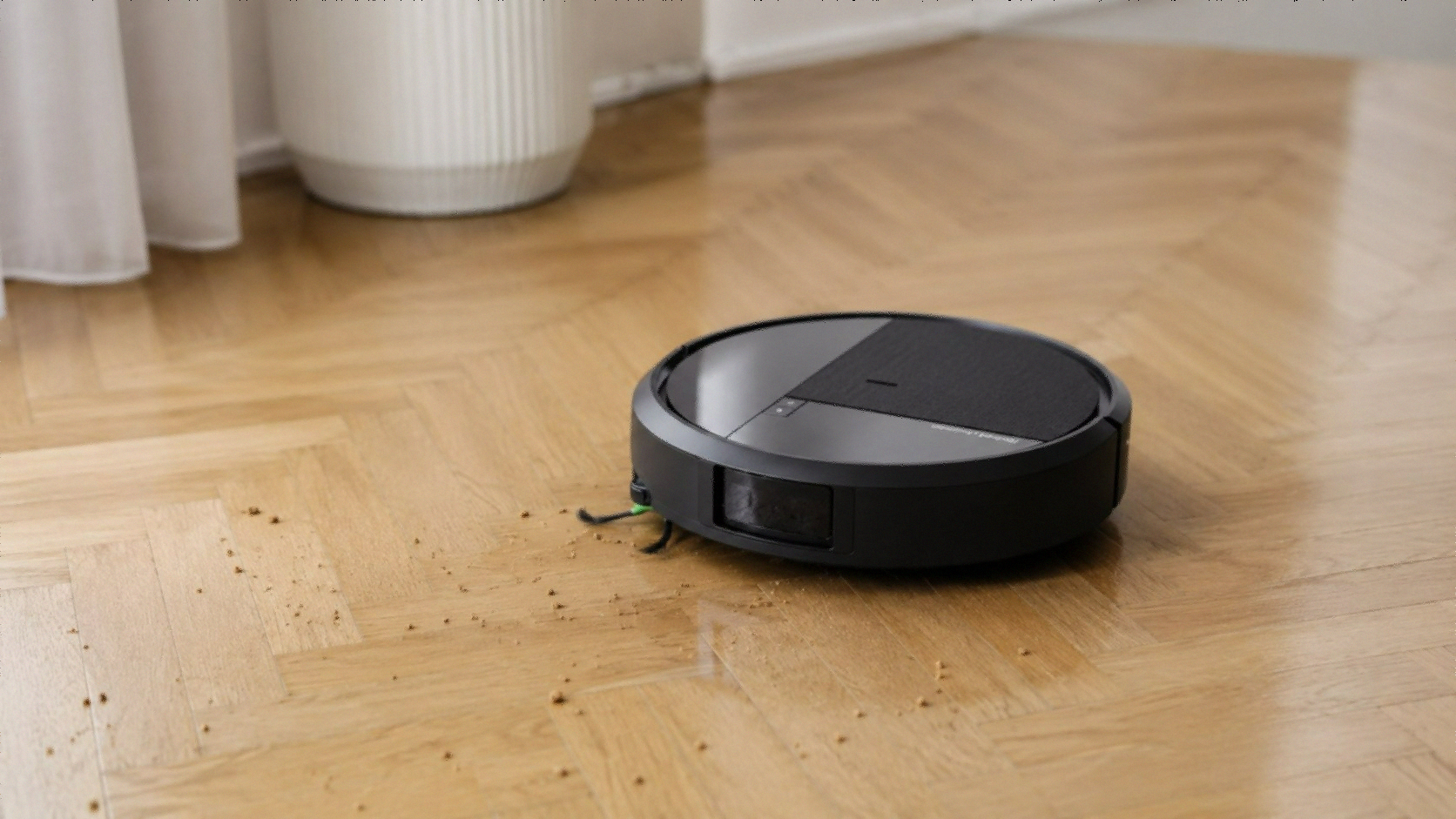
The tangle-free rubber brushes are the real story for pet owners. My two cats shed constantly, and I haven’t once had to cut hair off the brush roller. The rubber design physically prevents wrapping — hair releases into the dustbin instead of binding around the shaft.
For context, my previous robot vacuum had a bristle brush I had to cut hair off every three or four days. This one’s been running for weeks without that task. Related Post: Best Robot Vacuums for Pet Hair
Hardwood Floors
Clean, consistent results. ClearView LiDAR maps the floor plan accurately and follows systematic paths instead of wandering. On my open-plan main floor — kitchen, dining, living room all connected — it finishes the whole area in about 35 minutes on combined vacuum-and-mop mode.
The slim design fits under more furniture than older Roombas. iRobot claims it’s 46% slimmer than the Roomba 105, which I can’t independently verify, but it does get under my low-profile coffee table and the gap under my kitchen island cabinets that older robots couldn’t reach. Related Post: Best Robot Vacuum for Hardwood Floors
Carpet
The mop pads lift 10mm automatically once carpet is detected. Across transitions from tile to area rug to bedroom carpet, detection worked every time — the robot never tried to mop carpet, pads were already up before it crossed the threshold.
Vacuum performance on carpet is strong. The 20,000Pa suction pulls embedded cat hair out of medium pile without needing multiple passes. The first run after a week of skipping vacuuming filled the dustbin from the carpet sections alone.
Corners and Edges
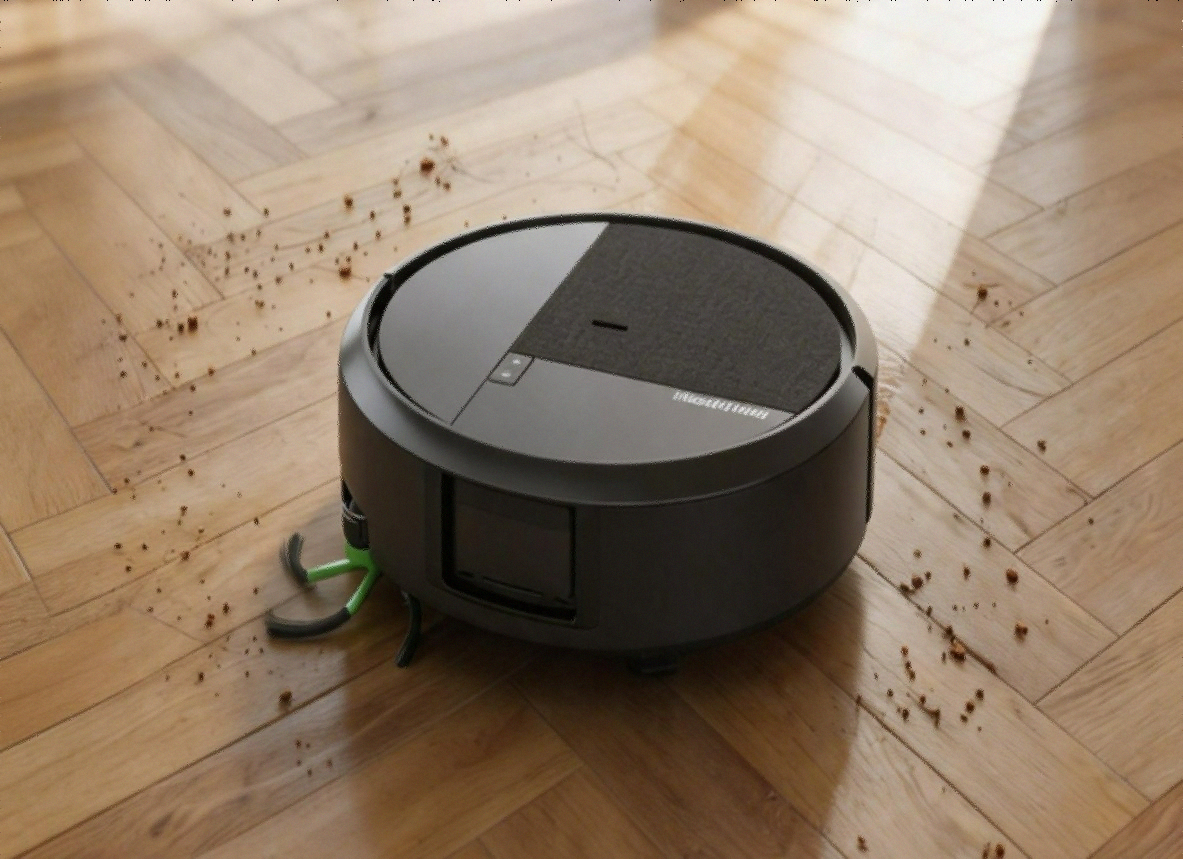
The extending edge brushes physically reach into corners and along baseboards. Not perfect — there’s always a slight margin right at the wall-floor junction — but better than most robots I’ve used. The extension pulls debris toward the main brush instead of just spinning loosely and hoping for the best.
The App: Surprisingly Good
iRobot’s app is more capable than I expected. Setup took about 8 minutes including WiFi connection and initial mapping. Clean interface, genuinely useful features:
Room targeting — After the initial mapping run, you can send the robot to a specific room. I use this constantly — after cooking dinner, it goes straight to the kitchen instead of running a full house clean.
Cleaning schedules — Different modes for different days. I’ve got vacuum-only Monday through Friday, full vacuum-then-mop on Saturdays.
Real-time tracking — Watch the robot’s path on the map live. Useful for the first few runs to see how it handles your specific floor plan.
Keep-out zones — Draw areas on the map where the robot shouldn’t go. I use this for my cat’s water bowl — learned that lesson the hard way with a previous robot.
The app also handles firmware updates on its own and notifies you when cleaning’s done or the dustbin needs attention.
⚠️ Watch Out: A small number of reviews mention connectivity issues during initial setup. If you hit this, make sure your phone’s on 2.4 GHz WiFi during pairing — the robot doesn’t support 5 GHz. Once connected, it stays connected reliably.
What the Negative Reviews Are Actually About
The 415X holds a 4.4/5 across 11,000+ reviews, which is strong. The negative ones cluster around a few specific things.
“It periodically stops working” — Several reviews mention the robot stopping mid-clean. Mostly traces back to a full dustbin, a tangled edge brush, or a WiFi hiccup — not hardware defects, just maintenance issues. Keep the dustbin emptied (or let the auto-empty dock handle it), check the edge brush monthly for wrapped debris.
“Doesn’t pick up pet hair effectively” — Mostly from people with heavy-shedding dogs on deep pile carpet. The rubber brush handles standard pet hair fine. For heavy shedding on thick carpet, max suction helps, but no combo robot fully replaces a dedicated high-suction vacuum on that kind of floor.
“Reliability concerns, dies after 30 minutes” — Battery issues in some units. iRobot’s warranty covers defects within the standard period. If yours has battery problems out of the box, use the Amazon return window or iRobot support — both have decent reputations for replacement.
The 67% five-star and 18% four-star split tells you the majority experience is positive. The real issues are solvable or edge cases.
Roomba 415X vs the Competition at $399
Related Post: Best Robot Vacuum and Mop Comparison
At $399, the 415X is up against some strong alternatives.
vs. Dreame D20 Plus ($278): Significantly cheaper, solid reviews. Wins on price but gives up SmartScrub, dual spinning mop pads, and heated pad washing. Worth considering for basic vacuum-and-mop needs. Related Post: Dreame D20 Plus Review
vs. Dreame L40 Ultra Gen 2 ($459): More expensive, higher suction (25,000Pa vs 20,000Pa), extendable side brush. Wins on raw specs; the Roomba wins on brand ecosystem, app maturity, and the self-cleaning dock. Depends what you weight higher.
vs. Eufy E25 (~$350-400): Similar price tier, a real competitor at this range — worth a direct comparison if you’re cross-shopping. Related Post: Eufy E25 Review
vs. Dreame L50 Ultra ($849): A different tier entirely — more suction, more dock functions, a lot more expensive. If budget allows, it’s objectively more capable. But the 415X at $399 gets you most of the result for less than half the price. Related Post: Dreame L50 Ultra Review
Who Should Buy the iRobot Roomba 415X
Related Post: Best Robot Vacuum Under $500
Frequently Asked Questions
Does the Roomba 415X work on both carpet and hard floors? Yes. Hardwood, tile, and carpet. When carpet’s detected during mopping, the mop pads lift automatically to 10mm to avoid wetting it while vacuuming continues.
How often do the mop pads need replacing? iRobot recommends replacing the spinning mop pads every 30 washes. The AutoWash dock washes them after every run, so depending on how often you clean, you’re looking at pad replacement every 1-2 months with daily use. Replacement pads are on Amazon.
Can the Roomba 415X target specific rooms? Yes, after the initial mapping run. Send it to a room via the app, set schedules per room, define keep-out zones.
Does it handle obstacles like cables and toys? ClearView LiDAR obstacle recognition handles most common floor obstacles — shoes, cords, toys. It routes around them rather than over or through. Pre-cleaning the floor isn’t really necessary.
Is the 415X good for homes with multiple pets? Handles moderate pet hair volume very well. For homes with multiple large shedding dogs on thick carpet, the 90-day auto-empty dock will fill faster, so you might need to empty it more often. The vacuum performance on pet hair is strong, and the rubber brushes are the right design for this.
Final Verdict
The iRobot Roomba 415X at $399 is the right call for a specific kind of buyer: someone who wants a vacuum-and-mop combo that actually cleans floors instead of just technically mopping them, wants minimal day-to-day maintenance, has pets, and wants a mature app with room-level control.
SmartScrub works. The heated AutoWash dock works. The tangle-free rubber brushes work. ClearView LiDAR mapping works. iRobot’s been refining this platform for years, and it shows.
The caveats are real but minor — not the highest suction in the category at 20,000Pa, connectivity can be finicky during setup, and some users report reliability issues after extended use. For most buyers in most homes, none of that’s a dealbreaker.
At $399 during the current Prime window, that’s 50% off retail.
Check current price on Amazon — iRobot Roomba 415X
Related reading: