Disclosure: This post contains affiliate links. I may earn a small commission at no extra cost to you if you purchase through these links.
My old robot vacuum died in February. Third one in four years, and at this point I’m fairly convinced that’s just the lifespan you get with the cheap stuff. Two cats, one shedding dog, a 1,400 sq ft rental with hardwood floors and one truly cursed living room rug — I needed something that could keep up without me babysitting a dustbin every other day. After comparing specs for way longer than necessary, I landed on the Dreame D20 Plus Robot Vacuum and Mop. Four months in now. Here’s the real, unsponsored breakdown of what living with it is actually like.
Why the Dreame D20 Plus Caught My Attention
I almost skipped this one, honestly. The robot vacuum market is flooded with near-identical boxes promising “smart mapping” and “powerful suction,” and most of the marketing copy reads the same no matter the brand. What pulled me toward the D20 Plus specifically was the combination of three things that actually matter day-to-day: a genuinely large auto-empty bag, a brush design that doesn’t turn into a hairball trap, and a price that didn’t require skipping groceries that week.
The Self-Emptying Dock Is the Whole Point
Here’s the thing nobody tells you when you buy your first robot vacuum: the robot part is easy. It’s the maintenance that wears you down. My last machine had a tiny 200ml bin I had to empty after almost every run, which kind of defeats half the purpose of owning one.
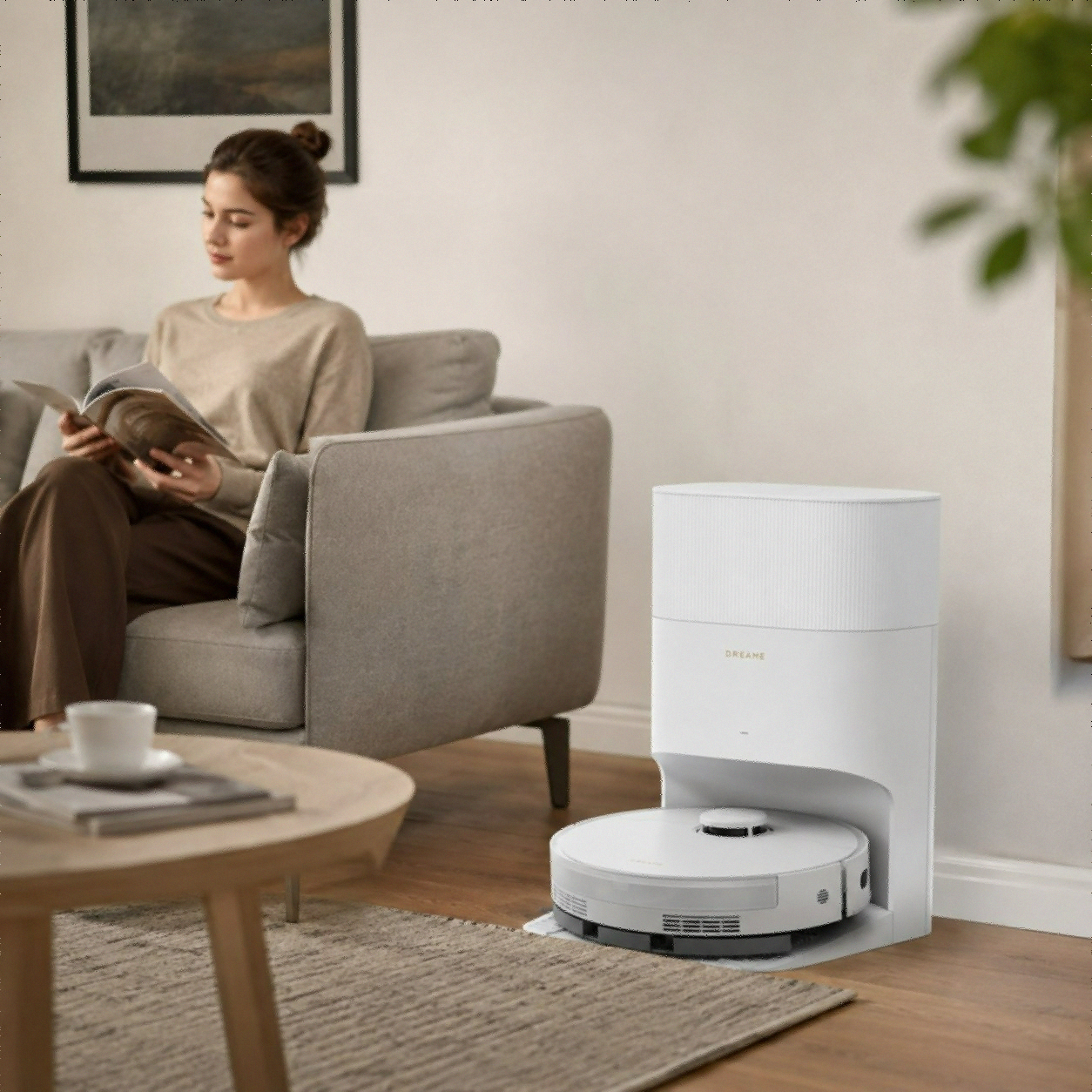
The D20 Plus ships with a 5-liter dust bag in its base station, rated for up to 150 days of hands-off operation. I’m on month four and haven’t touched the bag once. That’s not a marketing number I’m taking on faith — it matches what Dreame states in their own product documentation, and it lines up with what I’m seeing through the app’s fill level tracker.
DuoBrush vs. My Dog’s Fur: An Update
My dog sheds like it’s a competitive sport. Every previous robot vacuum I’ve owned eventually choked on a brush roll wrapped in fur, usually around week three. The D20 Plus uses an anti-tangle DuoBrush system — two counter-rotating brushes instead of the usual single rubber roller — designed specifically to comb hair off the brush instead of winding it around the axle.
I pulled the brush guard last week just to check, bracing for the usual nightmare. Some hair caught at the very ends near the bearings, which is normal for pretty much any vacuum, but nothing wrapped around the brush itself. That’s a real difference from my last two machines, where I’d be cutting hair off with scissors monthly.
** Pro Tip:** Even with anti-tangle brushes, pop the brush guard off once a month for a 30-second visual check. It takes longer to find the latch than to actually clean it.
Unboxing and Setup: What Actually Happened
I want to manage expectations here because “setup takes 10 minutes” is doing some heavy lifting in most reviews.
Physical Setup
The base station needs about 1.6 feet of clearance on either side and roughly 5 feet in front — more than I expected, and I had to rearrange a side table to make it work. Once it’s plugged in, you snap the robot onto the charging contacts and let it fully charge before the first run. Don’t skip this part. I tried to rush mine and it tapped out mid-mapping on the first pass.
App Pairing
You’ll need the Dreamehome app and a 2.4GHz Wi-Fi connection specifically — this tripped me up because my router defaults to a combined band, and I had to dig into settings to split it out. If your robot won’t connect and you’re on a mesh router system, check this first before assuming the unit is defective.
The First Mapping Run
The D20 Plus uses LDS (laser distance sensor) navigation paired with what Dreame calls Pathfinder tech to build an editable floor map. My first run took about 35 minutes for the main living area and bumped into exactly one thing — a pair of shoes I’d left by the door, which is honestly my fault, not the robot’s.
Real-World Performance: Four Months In
This is the section that actually matters, so let’s get into it.
Suction Power on Different Floor Types
The D20 Plus runs 13,000Pa of suction, branded as “Vormax” in Dreame’s marketing. On hardwood, it picks up everything — cereal crumbs, litter tracked from the box, the fine dust that accumulates under the couch. On the living room rug, it auto-boosts suction when it senses the carpet, and you can audibly hear the motor kick up a notch.
| Floor Type | Performance | Notes |
|---|---|---|
| Hardwood | Excellent | Picks up fine dust and litter without streaking |
| Low-pile rug | Very good | Auto-detects and boosts suction |
| Pet hair (embedded) | Good | Needs two passes on heavy shed days |
| Corners/edges | Decent | Standard brush, no extending side arm on this model |
That last row is worth flagging. The D20 Plus does not have the extendable side brush you’ll find on the step-up D20 Pro Plus, so corners get a slightly less thorough pass. Not bad, just not perfect — if you’ve got a lot of tight L-shaped corners, that’s worth knowing going in.
Vacuum and Mop Combo Mode
You can vacuum and mop in the same pass, which adjusts both the 500ml dustbin intake and the 350ml water tank’s flow simultaneously. There are 32 water level settings, which sounds excessive until you realize how different “lightly damp wipe” and “actually scrub the kitchen” really are. I run it on a mid-level setting for weekly hardwood maintenance and a higher setting after the dog tracks something questionable in from the yard.
One honest caveat: this isn’t a self-washing mop system. You’re still pulling the mop pad and rinsing it yourself every few uses — the trade-off at this price point versus something like the step-up Ultra-tier docks.
Battery and Runtime
The 5200mAh battery handles my full 1,400 sq ft layout in one charge with room to spare, and if it does run low mid-cycle, it returns to the dock, tops up, and resumes exactly where it left off instead of restarting the whole map. That resume behavior matters more than the raw battery number — I’ve had cheaper robots that just call it quits and leave half a room undone.
Noise Levels: Can You Run It While Working From Home?
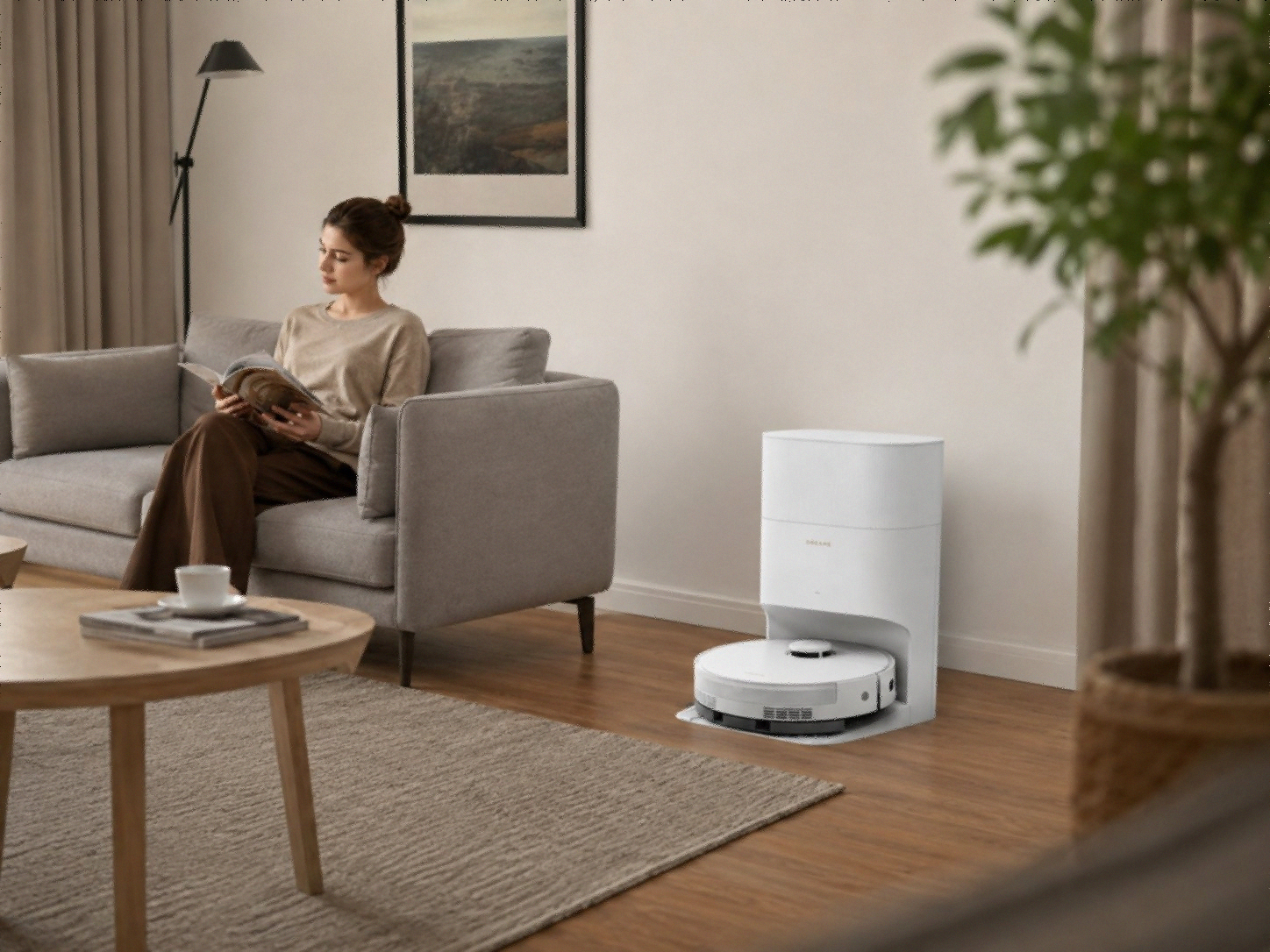
I work from home three days a week, so this mattered more to me than it might for most people. On standard suction mode, the D20 Plus sits at a level I’d describe as noticeable but not disruptive — roughly comparable to a window AC unit on low. It gets noticeably louder when it auto-boosts on the rug, loud enough that I mute my mic if I’m on a call. The auto-empty cycle at the dock is the loudest moment of the whole routine, a sharp few seconds of suction that startled my cat the first three times and now gets a complete non-reaction.
My workaround: I schedule the main clean for 9:30am, right after I’ve settled into my first meeting block with my camera off, and let the auto-empty happen while I’m grabbing coffee. After four months, this is just part of the background rhythm of the house now.
App Features I Actually Use
The Dreamehome app has more menus than I’ll ever touch, but a few features earned a permanent place in my routine:
- Room-by-room scheduling — I run the kitchen and living room daily but only hit the guest bedroom twice a week, since nobody’s tracking dirt in there.
- No-go zones — I drew a box around the area where my dog’s water bowl lives after the robot pushed it across the kitchen floor in week one. Mess avoided ever since.
- Multi-floor map storage — Not something I use since I’m in a single-level rental, but if you’re in a two-story house, this is the feature that keeps you from re-mapping every time you move it between floors.
- Cleaning history with intensity heatmap — Mostly a novelty, but it did confirm what I suspected: the area in front of the kitchen sink needs daily attention and the hallway barely needs weekly.
💡 Pro Tip: Set up no-go zones during your very first mapping run, before you start daily schedules. Editing a live map after the fact is doable but fiddlier than getting it right from the start.
Cost Per Use: Is It Actually Worth the Money?
Let’s talk numbers for a second, because “worth it” is subjective until you actually break it down. The D20 Plus typically lists around $399, and I’ve seen it dip lower during sale periods. Replacement dust bags run a few dollars each and only need swapping every 150 days, so the ongoing cost is genuinely minimal compared to bagless models where you’re cleaning a bin — and your hands — weekly.
Stack that against what I was previously spending — a cheaper $180 robot that died after fourteen months, plus the time I spent manually emptying its tiny bin every other day — and the math favors the D20 Plus pretty clearly over an 18-24 month window. That’s not a guarantee your mileage will match mine, but it’s the honest accounting from my own use.
How It Compares to Other Dreame Models
If you’re trying to figure out where the D20 Plus sits in Dreame’s lineup, here’s the short version based on my own research while shopping:
| Model | Suction | Brush System | Auto-Empty | Mop Self-Cleaning |
|---|---|---|---|---|
| Dreame D20 Plus | 13,000Pa | DuoBrush | Yes (150 days) | No |
| Dreame D20 Pro Plus | 13,000Pa | HyperStream DuoBrush + extending side brush | Yes (150 days) | No |
| Dreame L40 Ultra | 13,000Pa+ | DuoBrush | Yes | Yes, hot water wash |
If you want the full breakdown of how every D-series and L-series model stacks up, I’d point you to our own [Dreame L40 Ultra Gen 2 Review]for the step-up comparison, since it covers what you gain by spending more on the self-washing dock.
You can check current pricing and availability for the unit I’m using here: Dreame D20 Plus Robot Vacuum and Mop on Amazon.
What I’d Tell My Past Self
If I’m being straight with you: I almost bought a Roborock instead, mostly out of brand familiarity. Glad I didn’t. The thing that’s actually changed my daily routine isn’t the suction number on the box — it’s that I genuinely forget the dustbin exists. That’s the entire value proposition of a self-emptying dock, and the D20 Plus delivers on it without charging Ultra-tier prices.
What I wouldn’t oversell: if you’ve got a sprawling multi-level home with tons of tight corners and you want the mop pad to wash itself, this isn’t that machine. Look at something higher up the line, like our Roborock Qrevo Curv X Review for a comparison point in that tier.
But for a single-level apartment or a smaller home with pets, hardwood, and one rug that’s seen better days? It’s been close to set-and-forget for four straight months, which is more than I can say for anything I owned before it.
⚠️ Watch Out: Confirm your router supports a dedicated 2.4GHz band before buying. Combined-band mesh routers are the most common setup headache with this model.
Frequently Asked Questions
Does the Dreame D20 Plus really last 150 days without emptying? In my experience, yes — I’m at four months with zero manual dust bag changes, tracking closely with the 150-day estimate Dreame publishes from their lab testing.
Is the DuoBrush actually better for pet hair than a single roller? Based on my own brush inspections over four months, yes. I haven’t had to manually cut hair off the brush roll once, which was a monthly chore with my previous vacuum.
Can the D20 Plus vacuum and mop at the same time? Yes, it runs both functions in a single pass with adjustable suction and 32 water flow levels you control through the app.
Does it work with Alexa and Google Home? Yes, voice control works through Alexa, Siri, and Google Home, though you’ll need a stable 2.4GHz Wi-Fi connection for setup and ongoing control.
Is the Dreame D20 Plus loud enough to disturb a sleeping baby or light sleeper? The robot itself runs at a moderate hum that most people tune out within a week, but the auto-empty cycle at the dock is genuinely loud for a few seconds. I’d avoid scheduling cleanings near nap times or early mornings if noise sensitivity is a concern in your house.
Final Verdict
Four months of daily use later, the Dreame D20 Plus has earned its spot by the front door. The 150-day self-empty dock and DuoBrush genuinely cut down on the maintenance grind that kills most robot vacuum enthusiasm by month two, and the suction holds up across both hardwood and the rug I was sure would defeat it. It’s not flawless — no extending side brush, no self-washing mop — but at its price point, those feel like reasonable trade-offs rather than dealbreakers.
If your home is pet-heavy, mixed-flooring, and you’re tired of remembering to empty a tiny bin every few days, this is worth a serious look: Dreame D20 Plus Robot Vacuum and Mop.
For more in this lineup, check out our Best Robot Vacuum and Mop Picks and our deep dive on Robot Vacuum Suction Power Explained if you want to understand what that 13,000Pa number actually means for your floors.